Office navigation and wayfinding.
Find the right space. The moment you arrive.
A calm start to the office day. Give employees and visitors a clear view of where things are, how to get there, and what is nearby.


What is office navigation and wayfinding?
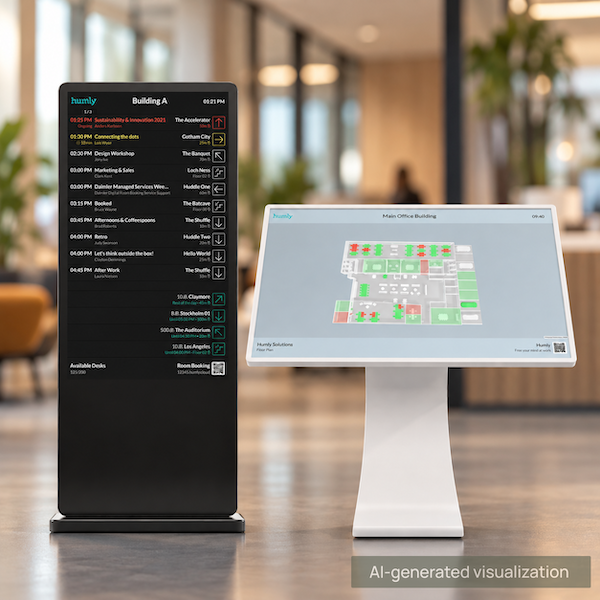
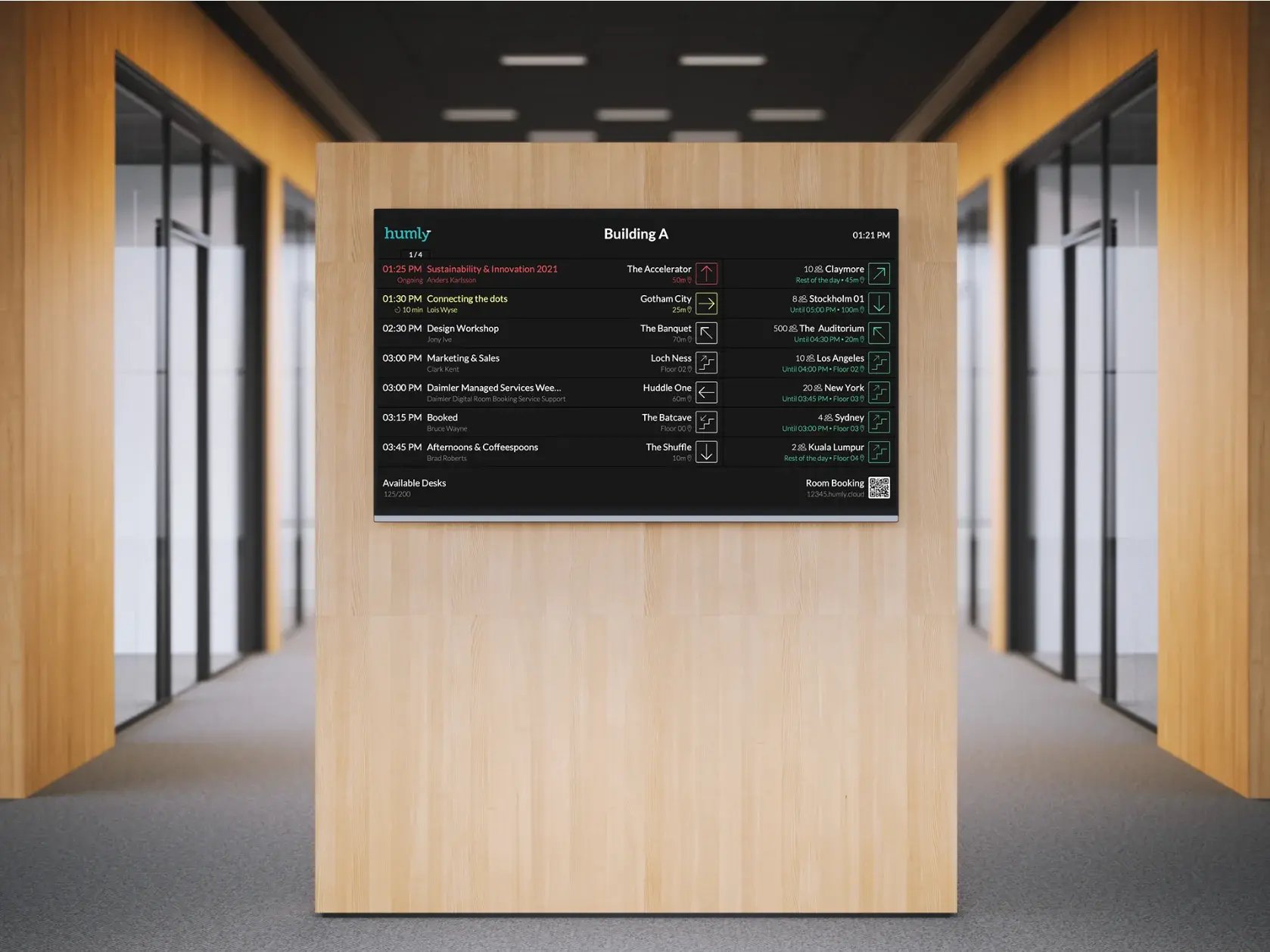
Office navigation and wayfinding helps people find their way around a workplace: where rooms, desks, colleagues and shared resources are, and how to get there. Humly combines two products for this. Humly Floor Plan is an interactive 3D map of the office that shows which rooms and desks are free in real time and lets people book them. Humly Wayfinding gives clear on-screen directions on displays and kiosks, guiding employees and visitors to the right destination. Both are part of the Humly ecosystem, so availability, bookings and directions stay in sync.

Navigation that reduces questions
Instant orientation
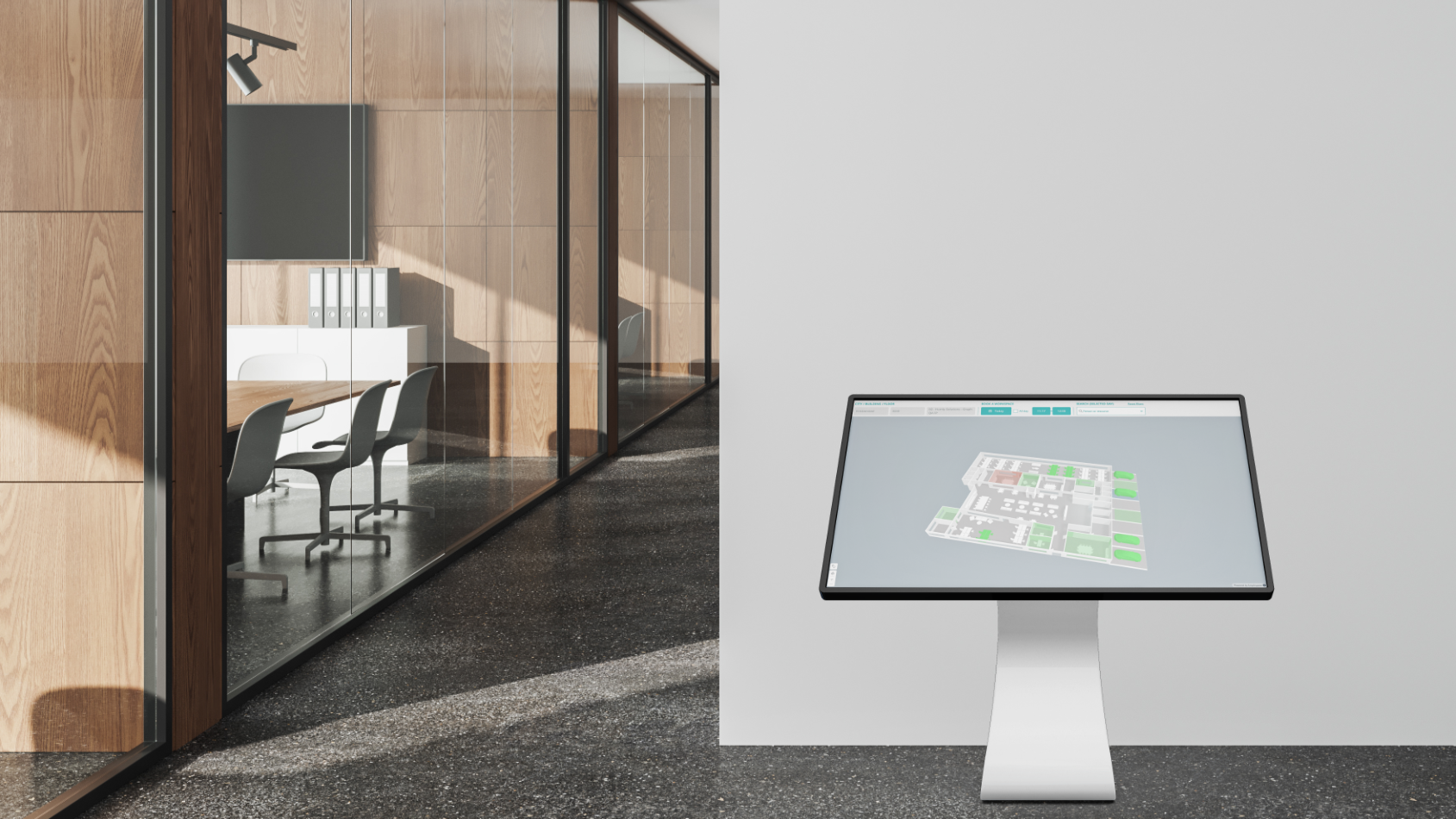
People see the office layout at a glance and quickly understand where they are and where they need to go.
Fast search for spaces, resources and people
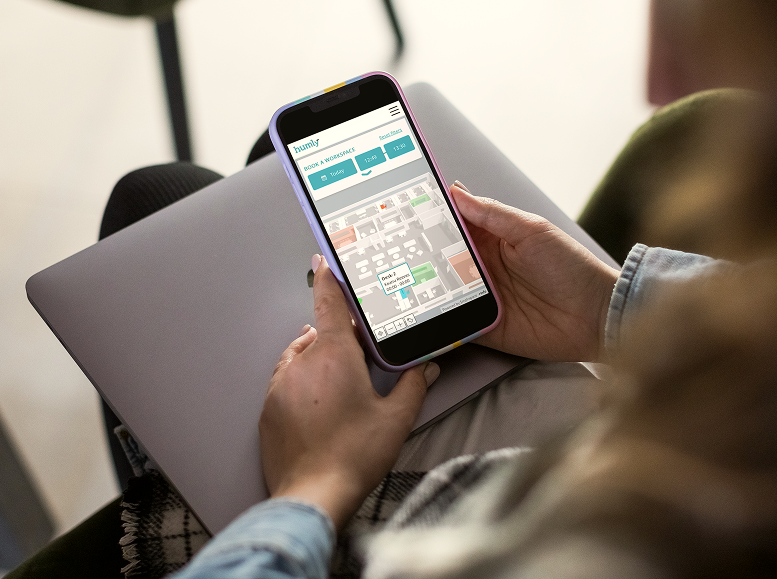
Search for rooms, desks, parking, lockers, people, or points of interest and get a clear route without asking around.
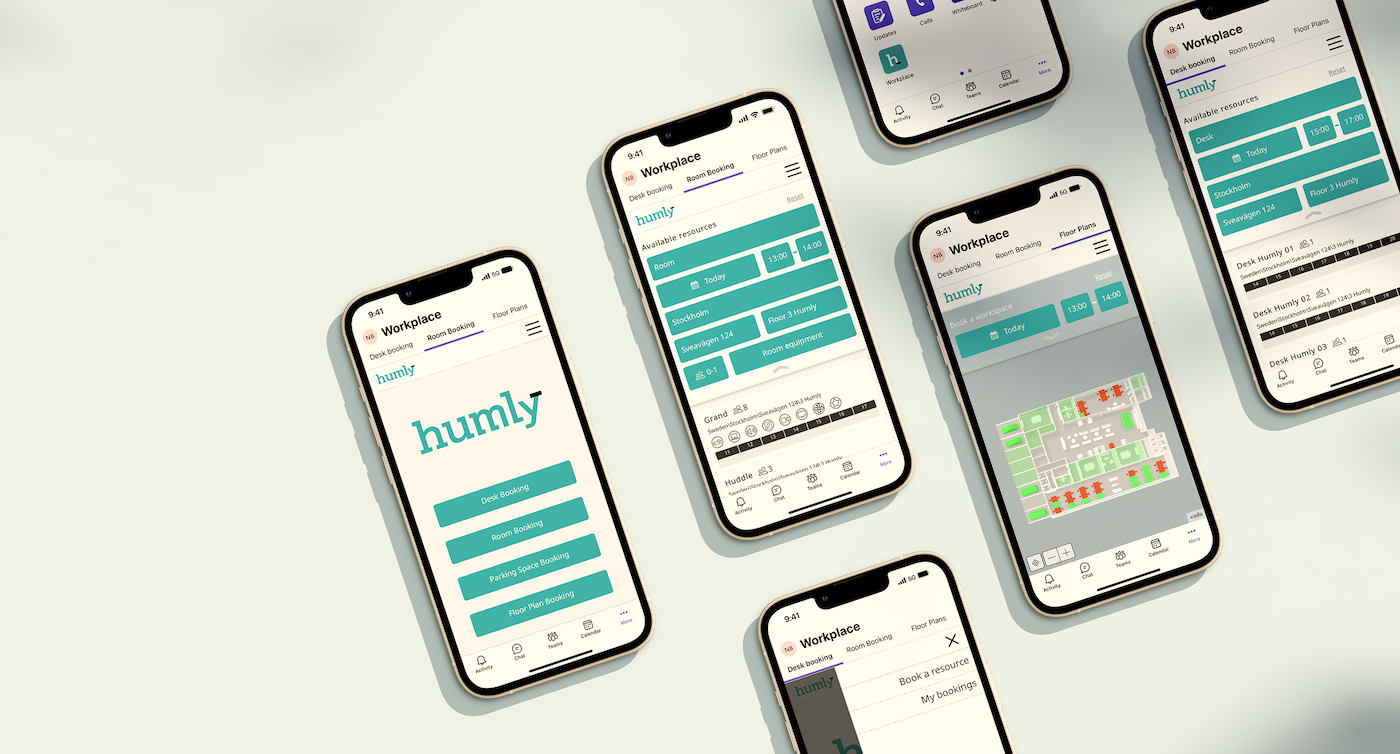
Confident, consistent directions
Clear visual guidance across screens helps people arrive on time and reduces interruptions for colleagues.
Where navigation matters most
First day in the office
New employees find their team area, desk zone, meeting rooms, and key amenities without needing a personal guide.
Meeting room rush
People arrive on time by navigating straight to the correct room, even in large or multi-floor offices.
Shared resources that move around
Staff locate bookable resources like parking, lockers, phone booths, or equipment quickly, even when availability or locations change.
Visitor friendly arrival
Visitors or contractors get clear directions to reception, the right department, or the meeting room, reducing delays and front desk load.
Humly Floor Plan
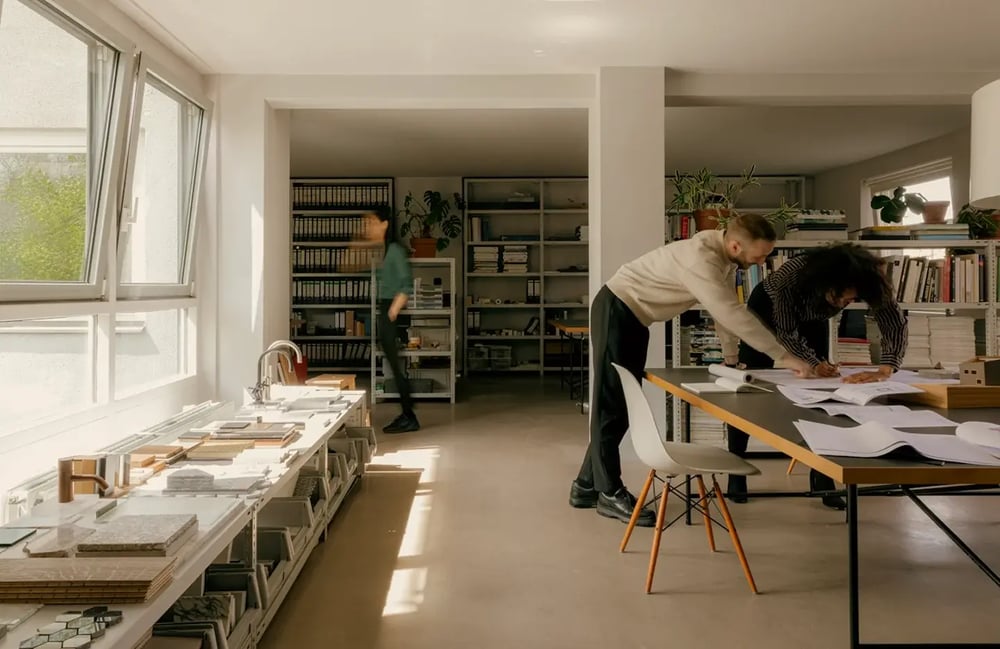
Get an instant 3D overview of the office
What spaces are occupied? What’s free? Check a whole floor or specific rooms and desks and book them.
Visualize in 3D
Instantly view available (green) and occupied (red) spaces in real time. Get a complete overview of your office layout and activity.
Collaborate & Optimize
Locate teammates, track usage with live data, and manage your workspace efficiently — all with custom branding and easy setup.
Book & Manage Anywhere
Reserve desks, rooms, or parking directly from your phone or desktop via Humly Reservations or Microsoft Teams.
Humly Wayfinding
Simple guidance that keeps people moving
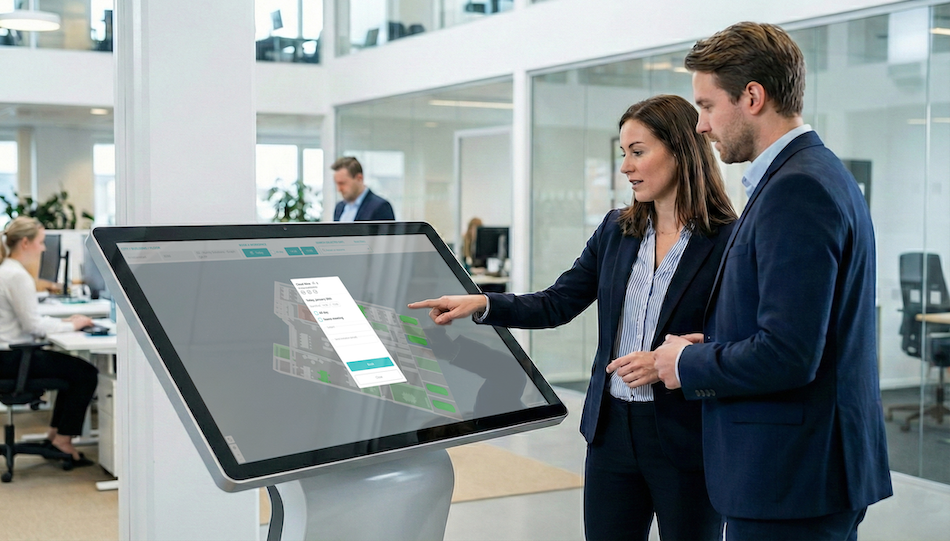
On-screen guidance that helps people reach the right destination fast. Direct employees and visitors to rooms, desks, and key resources with clear, intuitive directions.
Fast search and direct guidance
Find rooms, desks, and key resources instantly, then follow clear directions without stopping to ask.
Consistent experience across the workplace
A familiar, easy interface on screens and kiosks that works for employees and visitors alike.
Less disruption, better flow
Fewer late arrivals and fewer interruptions for colleagues and reception because people can navigate on their own.
Humly Floor Plan or Humly Wayfinding – which do you need?
Humly Floor Plan is for seeing and booking: an interactive map of the office on screens, phones and desktops, showing what's free right now. People can book rooms and desks directly from it.
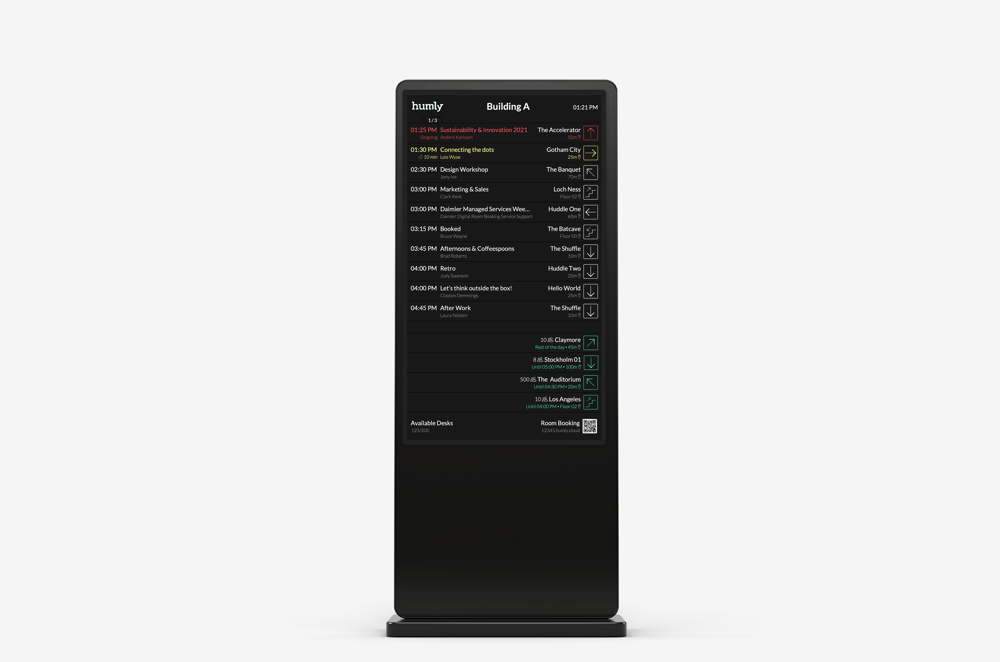
Humly Wayfinding is for getting there: clear directions on displays and kiosks that guide people to rooms, desks and key resources.
Together they cover the whole journey – find a free space, book it, and walk straight to it. Many offices start with one and add the other.