Microsoft Places integration for smarter workplace experiences

Microsoft Places helps organizations coordinate flexible work, desk booking, and workplace usage inside the Microsoft ecosystem. With Humly, that experience can go further. Humly Sense adds sensor-driven insight, and Humly hardware brings simple, visible booking and status interactions into the physical workplace.
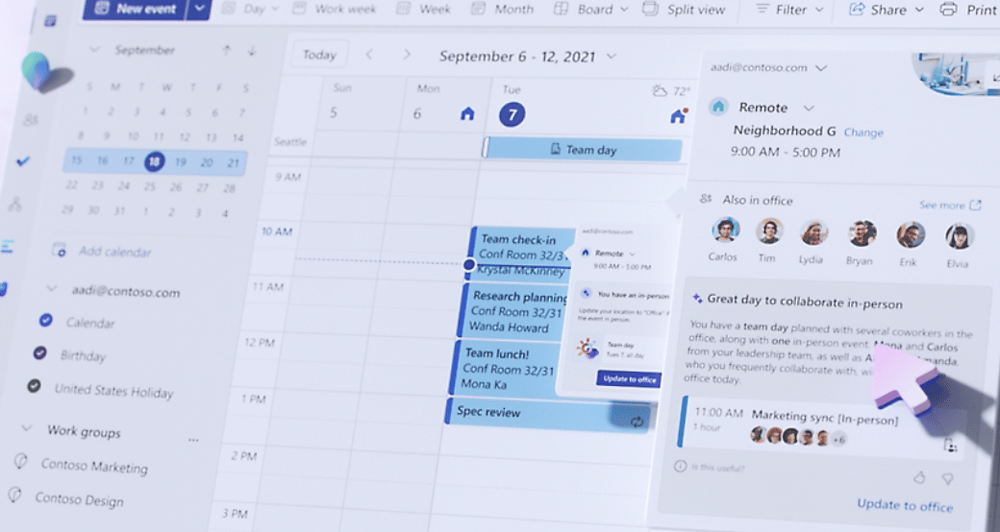
Microsoft Places

Humly Products & Solutions

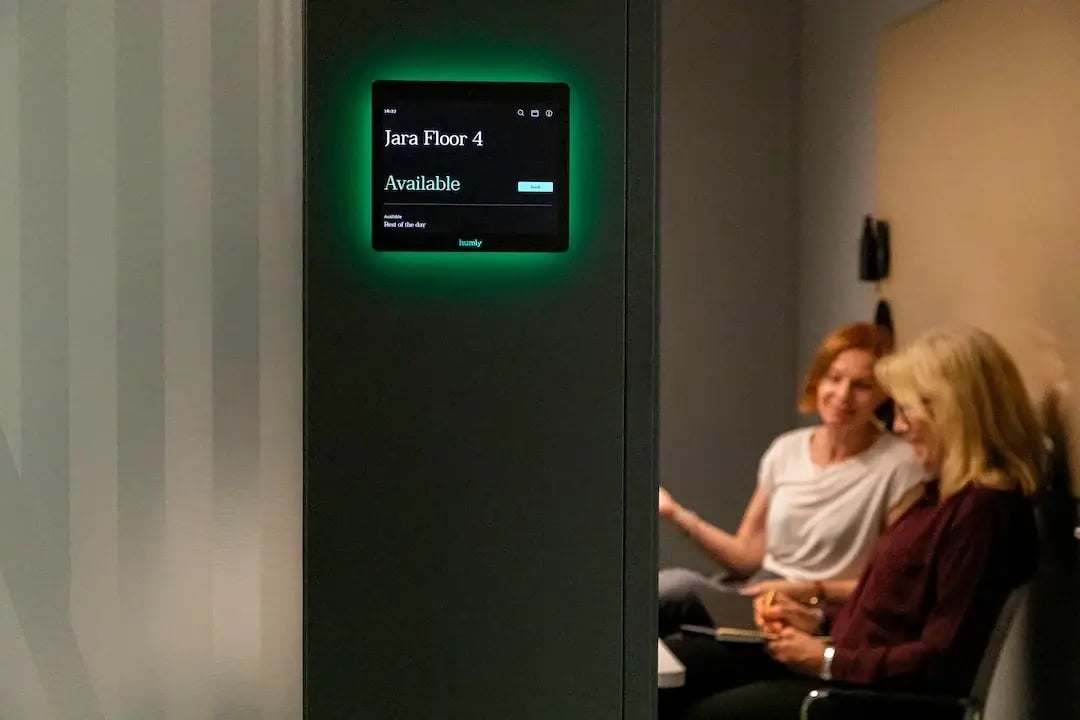
Humly Room Display

Humly Room Display makes meeting room management effortless as a meeting room booking solution. See availability at a glance, find the right space, and manage bookings — all without breaking focus.
13cbb862c312eec21c11d9790dc445046b71f9c5


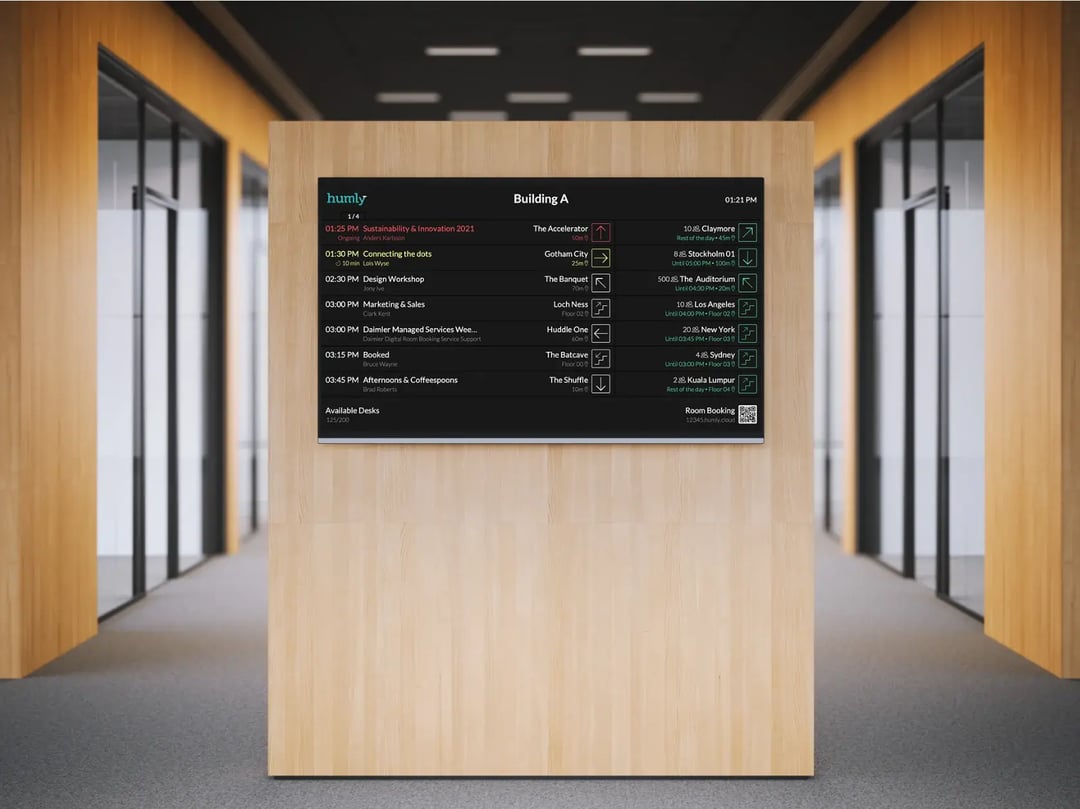
Humly Wayfinding

Humly Wayfinding is inspired by airport boards and it offers clear, chronological meeting information at a glance. No maps, no confusion - just fast and effortless directions. 
63c86517acd7aeed1b9cd6a6f0acafe234cb97bc


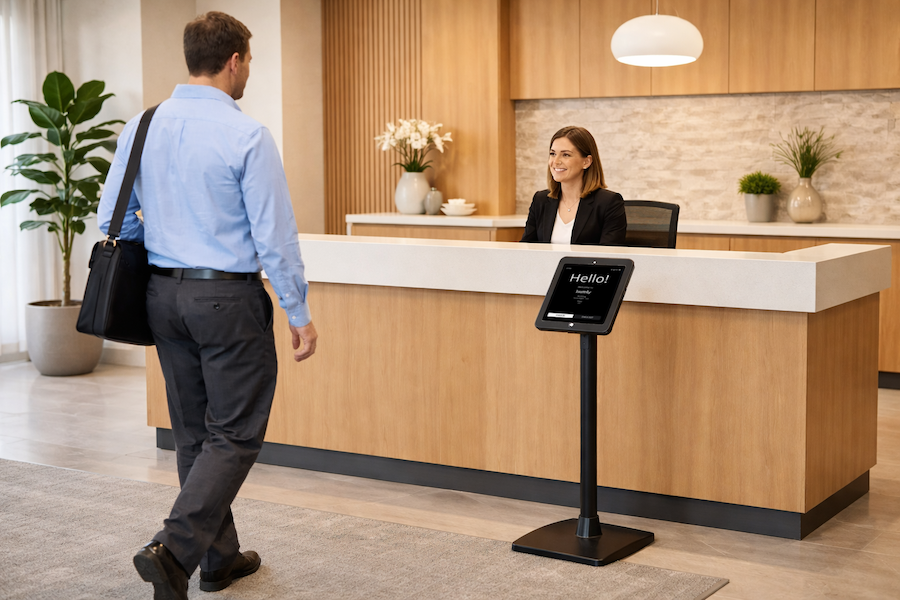
Humly Visitor

Humly Visitor is the smart solution for tracking arrivals and departures – ensuring a smooth, professional welcome.
humly-visitor-lobby2


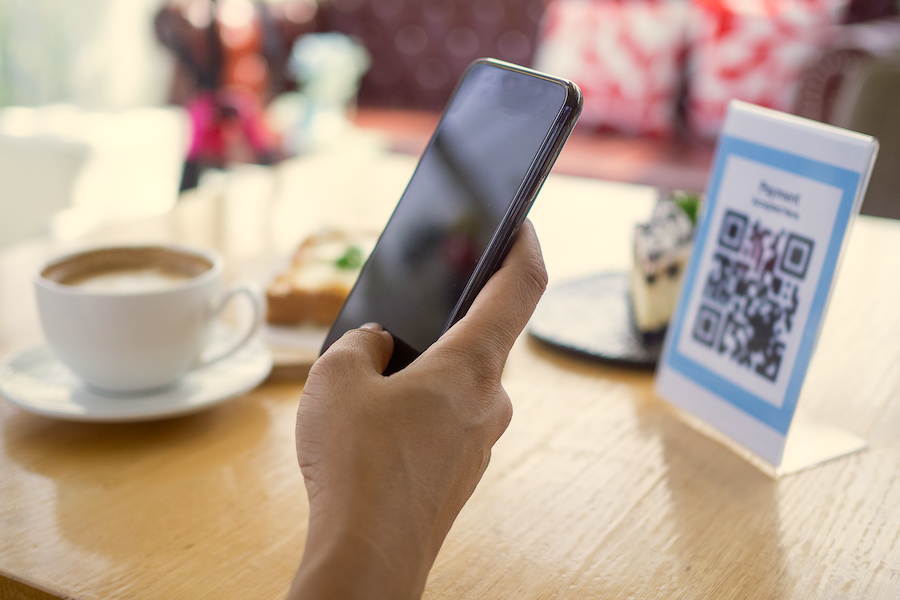
Humly QR Booking

For organizations that don't need full display setups,  Humly QR Booking offers a low-touch, cost-effective way to manage shared spaces. 
QR_Stock


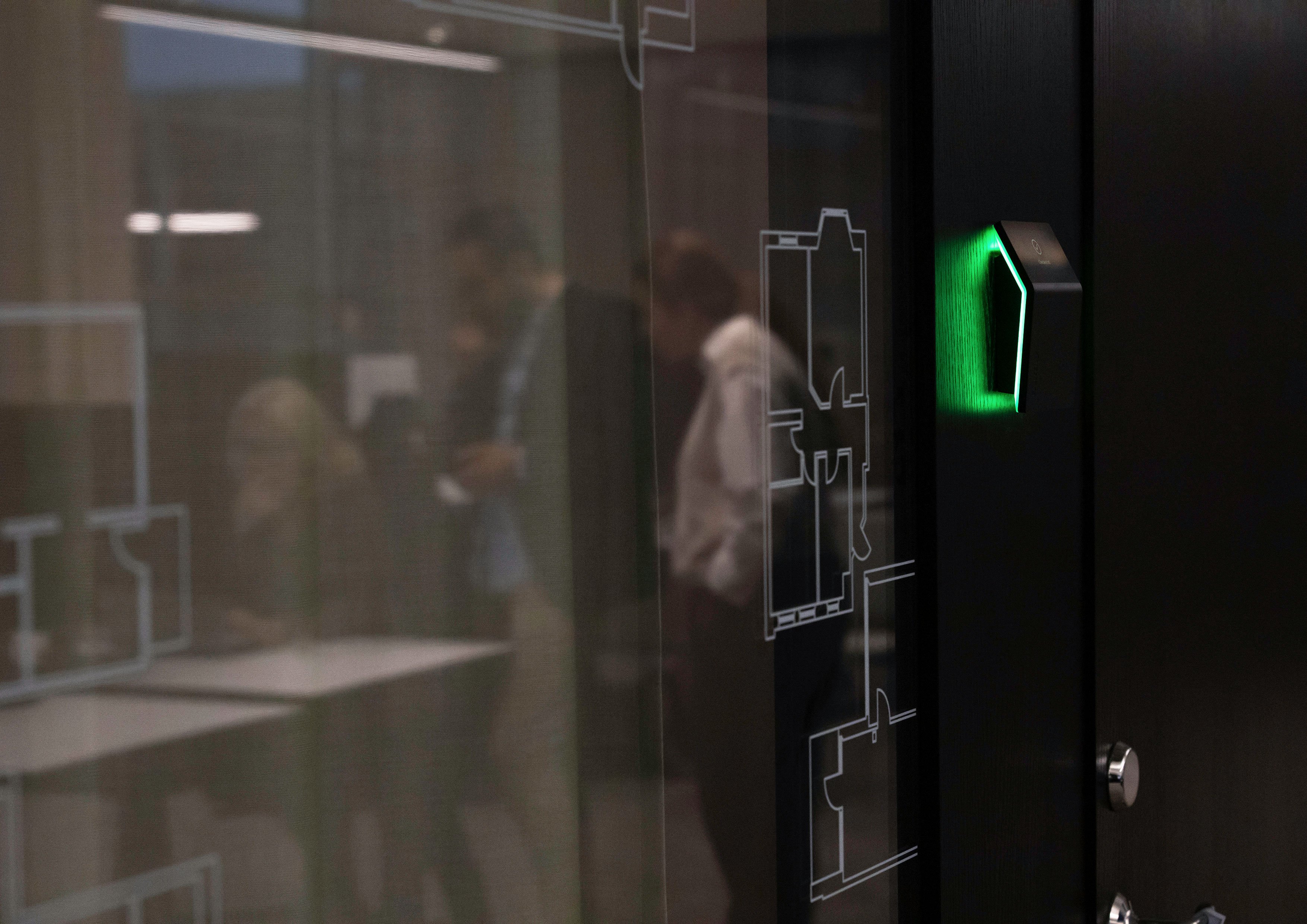
Humly Booking Device

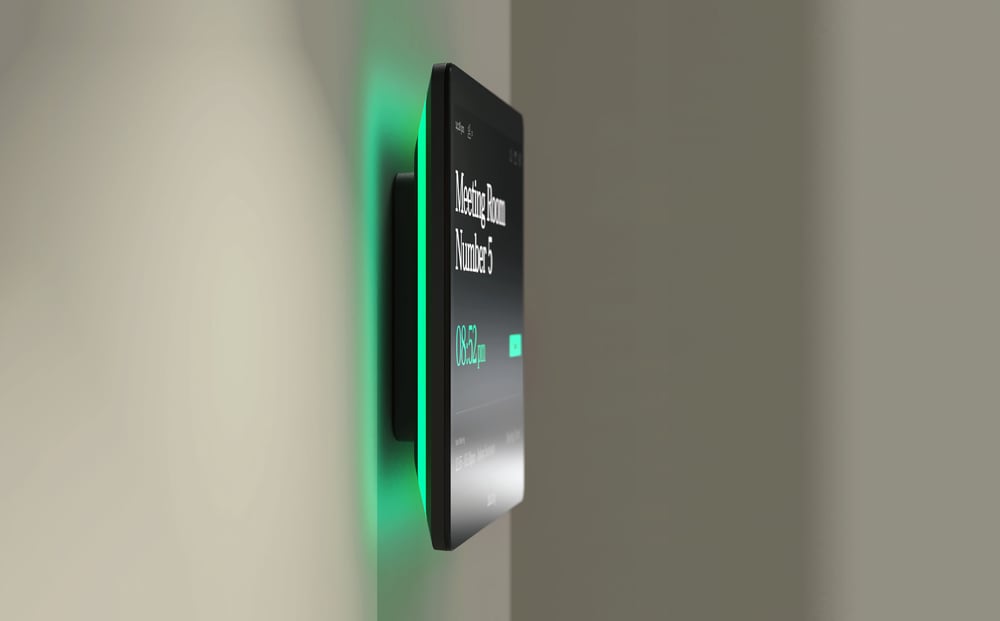
Humly Booking Device is a subtle, intelligent way to book desks, rooms, or focus spaces – giving hybrid workplaces the freedom to stay organized, connected, and in sync.
 

PP2023_38A7068


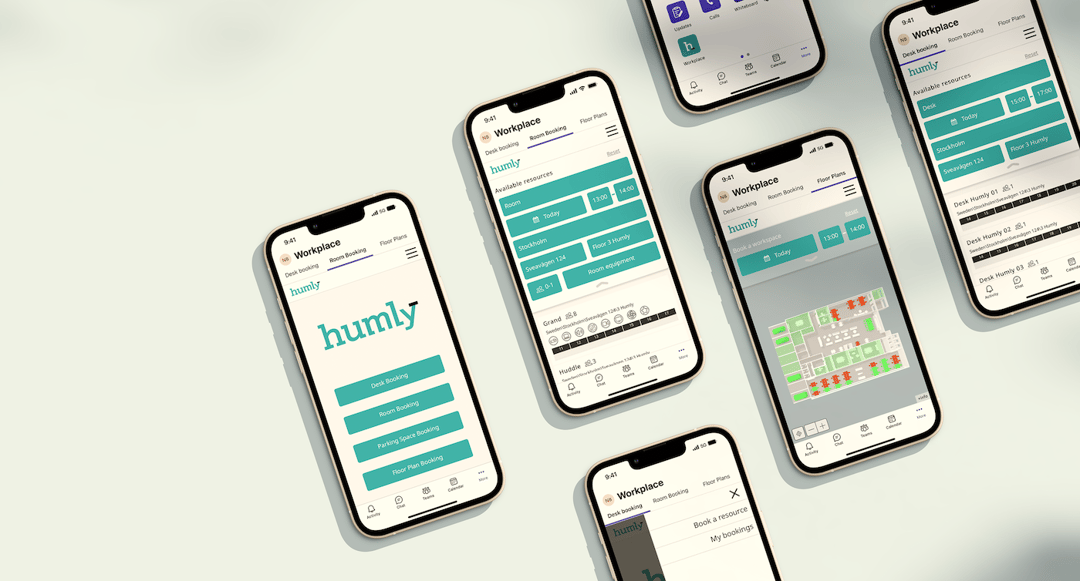
Humly Reservations

Use Humly Reservations as a booking solution for all of your spaces. Parking, desks or rooms and find where your colleagues are located. Use the feature QR Booking and scan a QR code to check availability and book instantly through Humly Reservations.
 

Reservations Teams_Phones


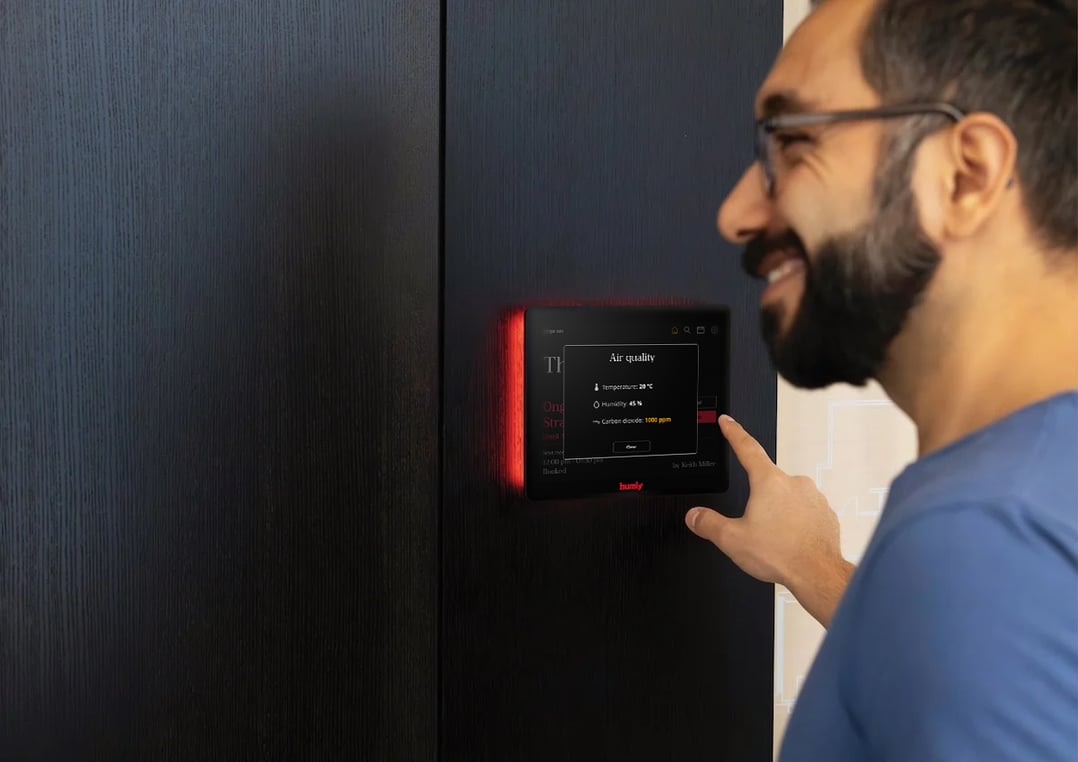
Humly Sense

Humly Sense is a seamless sensor integration platform that connects third-party sensors to the Humly ecosystem.
It provides real-time data to help you create smarter, healthier, and more efficient workplaces.
 

0ff2d90758d66cbd77c8db86a989a3b748f2589f


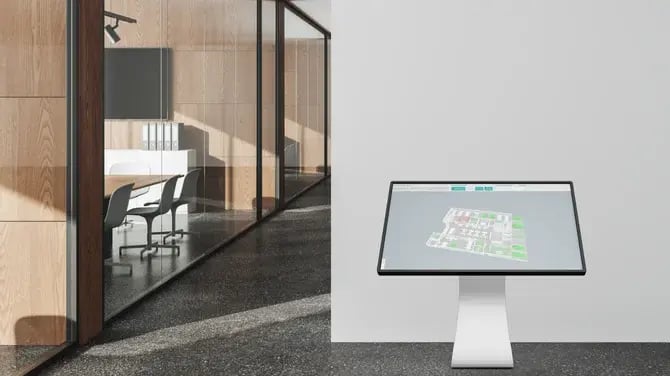
Humly Floor Plan

Humly Floor Plan is the navigation and wayfinding solution where you can see your office in real time — desks, rooms, and parking — to check availability, find colleagues, and book spaces instantly.
 

floor-plan-interactive-booking-screen-office-environment-144dpi.png


Why this integration matters

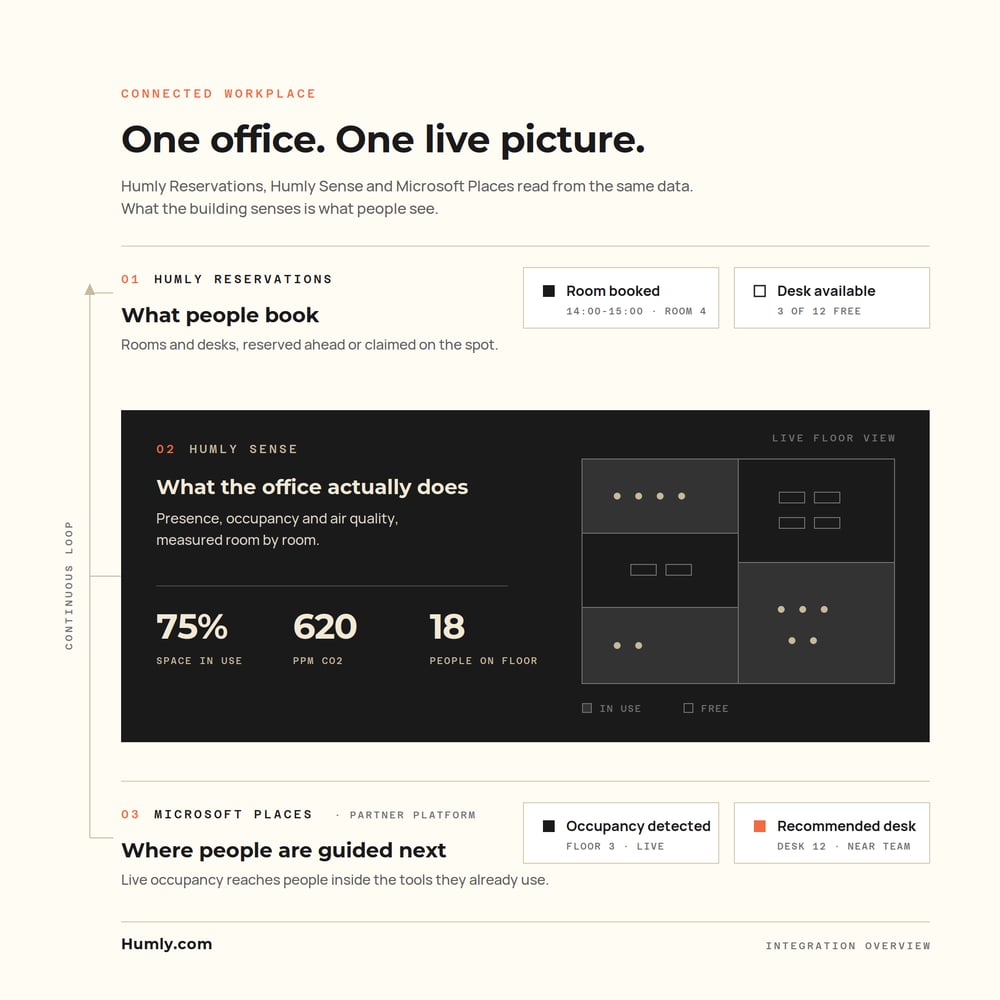
Reservations tell part of the story. Actual usage tells the rest. Microsoft Places is designed to help organizations optimize workplace coordination and space management, including with occupancy and utilization data. By adding Humly Sense, organizations can bring in sensor information that helps create a more complete picture of how spaces are really being used.

That matters when the goal is not only to let people reserve desks or rooms, but also to understand presence, usage patterns, and where the workplace experience can be improved.
humly-connected-workplace

Native to Microsoft 365, built on Microsoft Graph

Humly talks directly to Microsoft 365 through the Microsoft Graph API and works with the room and desk resources you already have. A booking made in Outlook, Teams or Places appears on Humly devices in real time, and a booking made at the door appears in the calendar. Nothing is duplicated, and booking data stays inside your own tenant, with access authenticated through Entra ID using modern OAuth and single sign-on.

The same Humly platform also runs on Exchange Server on-premises and Google Workspace, so mixed or migrating environments stay on one solution.
575bcd10eccdd846b8903165abc340164b7afea0

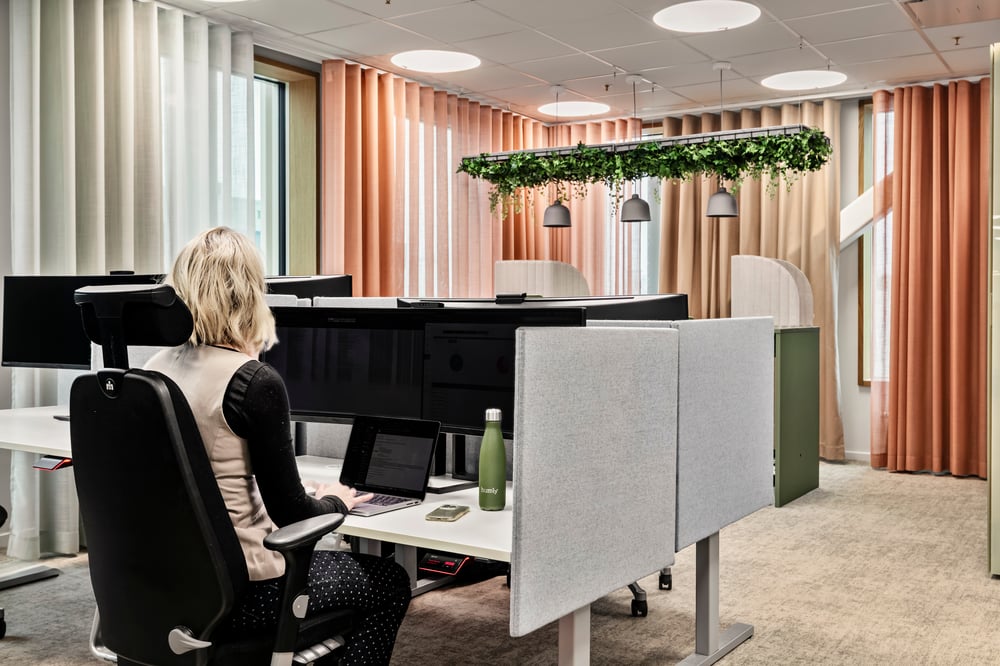
Bookings stay in Microsoft 365. Humly makes them visible where people actually are.

Book a demo

What Humly + Microsoft Places enables

1.

Desk booking in the Microsoft flow

Microsoft Places supports desk booking and workplace coordination inside the tools many employees already use, including Teams and Outlook.

2.

Sensor-based workplace insight

Humly Sense adds a path to use sensor information alongside booking workflows, helping teams understand actual presence and space behavior more clearly.

3.

Better decisions from real usage signals

Microsoft Places analytics is designed to use occupancy signals for utilization insight. That makes it a strong fit for environments where organizations want decisions based on how spaces are really used, not only how they were booked.

4.

Clearer physical workplace interactions

Humly hardware adds intuitive touchpoints in the workplace itself, helping people see status, confirm bookings, and navigate shared spaces more easily.

Everything Humly adds to Microsoft Places

1.

Room booking at the door

Humly Room Display shows live availability outside every room. Book, extend or end a meeting on the spot, and it syncs straight back to Outlook and Teams.

2.

Desk and space booking

Humly Booking Device covers desks, phone booths and shared spaces, with built-in presence detection so a booked desk is genuinely a used desk.

3.

Check-in and auto-release

If nobody checks in, the room is released back to colleagues automatically, recovering hours of booked-but-empty time every week.

4.

Occupancy sensors

Humly Sense detects real presence, drives automatic check-in and release, and feeds true utilisation data into your analytics.

5.

Live floor plans

Humly Floor Plan gives a real-time map of the workplace. See which rooms and desks are free right now, and book them straight from the plan.

6.

Wayfinding screens

Overview displays in lobbies and corridors guide people to the right room or a free space, fed live from your Microsoft 365 calendars.

7.

Visitor management

Humly Visitor handles self-service guest check-in, badge printing and host notifications, tied to the meetings already in your calendar.

8.

Workplace analytics

Utilisation statistics across rooms, desks and other spaces, with exports for deeper analysis, so you know what to add, remove or repurpose.

9.

Central device management

Humly Control Panel manages every device, room and setting from one place, with remote configuration, firmware updates and monitoring across all sites.

10.

Teams meetings on the spot

An ad-hoc booking made at the display can include an online Teams meeting, so remote colleagues can join straight away.

11.

Entra ID and single sign-on

Modern OAuth authentication against Entra ID, single sign-on and granular admin roles. GDPR-compliant by design and developed in Sweden.

12.

Open REST API

A documented REST API lets you connect bookings, devices and occupancy data to FM platforms, BI tools or building automation.

Why Humly

1.

Purpose-built hardware

Displays and booking devices designed and engineered by Humly: Scandinavian design, PoE simplicity, and built to run for years rather than seasons.

2.

Pay per space, not per employee

Humly is licensed per room and space rather than per user, so cost scales with your office instead of your headcount and every employee benefits.

3.

Security and privacy first

GDPR-compliant, modern OAuth against Entra ID, and deployment options that keep you in control of your own data, including self-hosted.

4.

One platform, every calendar

Microsoft 365, Exchange Server and Google Workspace in the same deployment, so mixed or migrating environments are a feature rather than a problem.

5.

Effortless rollout

Connect your Microsoft 365 tenant once and rooms and desks flow into Humly. Central management keeps hundreds of devices updated from one place.

6.

Support that answers

Real people, a thorough knowledge base at support.humly.com, and a global partner network for local installation and service.

Turn sensor data into workplace insight

Smarter spaces. Real-time insight.

Microsoft Places analytics supports occupancy signals as part of its workplace insight model. Microsoft documentation points to actual occupancy as an important input for room and building analytics, including support for other occupancy or people-count sensors in some scenarios. Humly Sense strengthens that story by helping connect sensor information to practical workplace decisions.

sensor_occupied_24dp_5F6368_FILL0_wght400_GRAD0_opsz24 1

Add more context to workplace usage

air_24dp_5F6368_FILL0_wght400_GRAD0_opsz24 1

See beyond scheduled bookings

analytics_24dp_5F6368_FILL0_wght400_GRAD0_opsz24 1

Support better planning for desks, rooms, and shared areas

bookmark_24dp_5F6368_FILL0_wght400_GRAD0_opsz24 1

Create a stronger foundation for space optimization
16e39dd7f6a7c9267d1e3e4f1d812fd6a81c2854

Microsoft Places helps coordinate flexible work. Humly helps make that experience more visible, more measurable, and easier to use in the real workplace.

Book a demo

See Humly and Microsoft 365 working together

One platform. One vendor. One support contact.

Book a live demo to see room displays, desk booking, sensors, wayfinding and visitor management running on top of your own Microsoft 365 calendars, or estimate what smarter rooms and desks are worth to your organisation with the Humly ROI calculator. Microsoft, Microsoft 365, Microsoft Places, Outlook, Teams, Exchange and Entra ID are trademarks of the Microsoft group of companies. Humly is an independent product and is not affiliated with or endorsed by Microsoft. Feature availability may vary by product, license and configuration.

sensor_occupied_24dp_5F6368_FILL0_wght400_GRAD0_opsz24 1

Licensed per room and space, not per user

air_24dp_5F6368_FILL0_wght400_GRAD0_opsz24 1

Hardware and software from a single vendor

analytics_24dp_5F6368_FILL0_wght400_GRAD0_opsz24 1

Works with Microsoft 365, Exchange Server and Google Workspace

bookmark_24dp_5F6368_FILL0_wght400_GRAD0_opsz24 1

Central management for hundreds of devices across sites
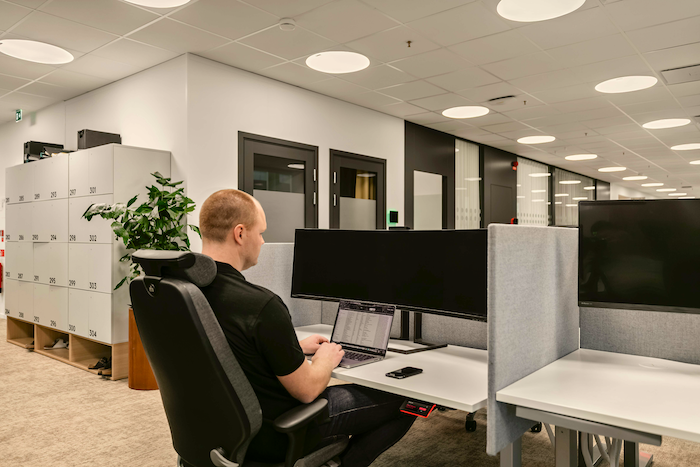
LOW RES_Working office and desk booking_7491 2

Keep Microsoft Places. Add the displays, desks, sensors and signage that make it physical.

Book a demo